Business process automation
Business process automation services for work that crosses teams and systems
Business process automation services take a complete process, such as order to cash, procure to pay or employee onboarding, and run it across every team and system it touches, with approvals at the steps that need them. Safock does this for finance, procurement and HR leads whose processes depend on people copying records from one tool to the next. We map the process as it really runs, remove the steps that add nothing, and automate the rest with integrations, workflows and, where it helps, AI.
/ The problem
What this fixes
- 01
Processes held together by people
The process works because someone remembers to copy the order into the next system, chase the approval and send the invoice. When they are away, it stops.
- 02
Automating a broken process
Automating each task separately keeps every redundant step and handoff. The process gets faster at being inefficient.
- 03
No single view of where work is stuck
Without one record of each case, managers find out about delays when a customer or supplier complains.
- 04
Too many subscriptions doing one job
Separate tools for each step mean exports, imports and reconciliation, plus a bill for every tool.
/ What we build
Business process automation, built for your systems
- 01
Process mapping and redesign
We document how the process runs today, including the workarounds, then design a simpler version before anything is automated.
- 02
End-to-end workflows
Automated flows that carry each case from start to finish across your systems, with approvals and service levels built in.
- 03
Exception handling
Clear routes for the cases that don't fit the rules, so a person sees them quickly instead of them failing silently.
- 04
Dashboards and audit trails
One view of every case and where it is, plus a log of each step, approval and change.
- 05
AI where judgment is repetitive
Document reading, classification and drafting by AI at the steps where people make the same decision many times a day.
/ How it works
The detail behind it
Five processes we automate end to end
Each of these crosses several teams and systems. That is where end-to-end automation pays back most, because every hand-off between teams is a place where work waits or gets re-keyed.
- Order to cash: order capture, fulfilment, invoicing and payment matching
- Procure to pay: requisition, approval, purchase order, receipt and invoice match
- Client onboarding: contracts, accounts, access and welcome steps
- Employee onboarding and offboarding across HR, IT and finance
- Reporting: data pulled, checked and shared on a schedule
One source of truth instead of four tools
For a software development agency, Safock replaced four SaaS subscriptions and a master spreadsheet with one internal platform that carries each engagement from deal to client, project, time, invoice and settlement. Budgets update live as developers log hours, invoices draw on the same records, and Stripe webhooks report paid, failed, partially refunded and disputed states back to the deal. Billing needs no exports or manual reconciliation, and two roles are enforced by Postgres row-level security.
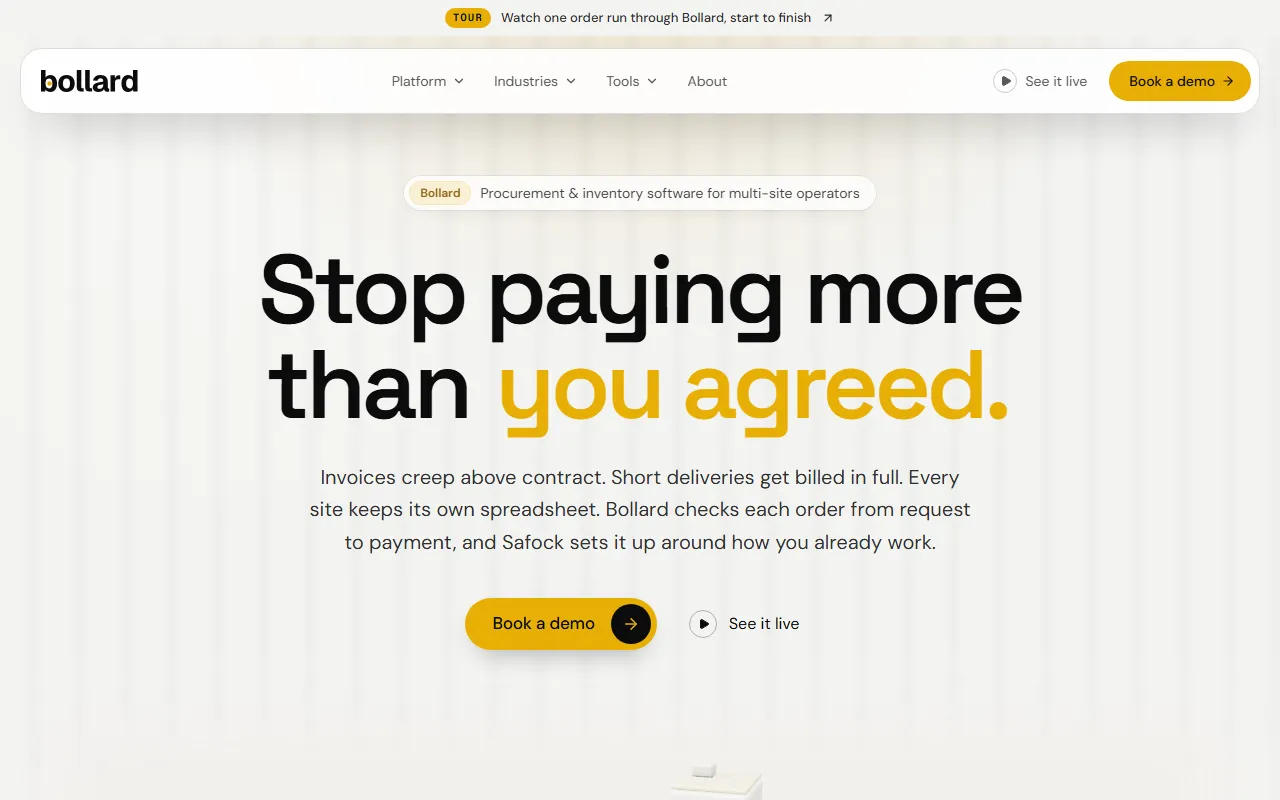
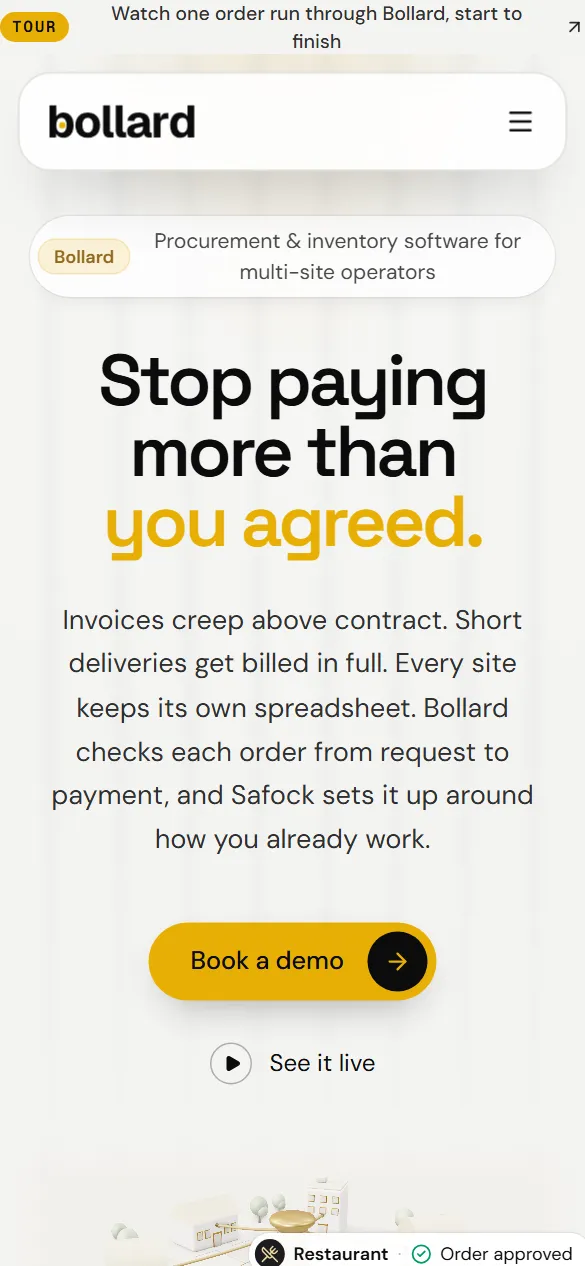
Bollard, our own procurement software for multi-site operators, runs procure to pay across seven modules. Every purchase follows one controlled path from requisition to approval, purchase order, goods receiving and invoice. The three-way match compares the order, the delivery record and the invoice before payment, catching price and quantity mismatches while they are still easy to dispute, and every action lands in an audit trail that cannot be edited.
Redesign the process before automating it
Business process automation looks at the whole chain before it automates any link. In discovery we trace one real case from start to finish, such as a purchase from request to payment, and record every hand-off, re-key and wait along the way.
Steps that exist only to move data between tools usually disappear once the systems share one record. Approvals stay, but move to the point where the approver has the information needed to decide. The redesigned map becomes the specification we build against.
How a business process automation project runs
Discovery maps the current process with the people who run it. We agree the redesigned process and its success measures, then build in short sprints, starting with the steps that remove the most manual work. Each sprint ends in a demo on real cases, and the old and new process can run side by side until you are confident to switch.
- Cycle time from the first step to the last
- The share of cases that still need manual handling
- Errors caught before payment or dispatch
- Hours spent on the process each month, compared with the discovery baseline
What business process automation services cost
Cost follows the number of teams and systems the process crosses, the quality of those systems' APIs, the number of approval and exception rules, and how much data needs cleaning or migrating first. A process that stays inside two systems costs far less than one spanning sales, finance and operations. Scope, milestones and pricing come in the proposal, and a fixed quote follows discovery. Every launch includes 30 days to 3+ months of support.
/ How we work
From first call to a system your team runs
- 01
Discovery
We start with your workflows, goals, and constraints, so we solve the problem you actually have.
- 02
Proposal & architecture
A clear scope, timeline, milestones, and system design, with honest pricing before any build starts.
- 03
Agile delivery
Short sprints with regular demos, so you see working software early and can steer as it takes shape.
- 04
Launch
Deployment, optimization, and security hardening are included. Nothing ships unless it is safe and secure.
- 05
Support & growth
30 days to 3+ months of support after launch, with long-term maintenance available as you grow.
- 06
Your team, enabled
Documentation and training so your people can operate and extend the system on their own.
/ Proof
Work that shows how we build
- Client workProfessional services, software developmentClient work / Professional services, software development
A software development agency
One internal platform for a development agency, covering deal, project, time, invoice and Stripe settlement, in place of four SaaS tools.
- Postgres row-level security
- Idempotent Stripe webhooks
- Deal-to-settlement workflow
Read the case study - usebollard.com
 Our product / Procurement and inventory for multi-site operators
Bollard
Our own procurement and inventory software for multi-site operators: seven modules, controls enforced in the database, and an append-only audit trail.
- AI assistant on live data
- Database-enforced controls
- Append-only audit trail
14 daysPath to a first live site
- Client work52CoursesProfessional education, auctioneer licensingClient work / Professional education, auctioneer licensing
A US auctioneer training school
A custom LMS for a US auctioneer school, with state-aware paths, gated exams, SCORM and xAPI, and a CRM on Next.js and Supabase.
- SCORM and xAPI
- State-aware learning paths
- Built-in student CRM
52Courses
/ FAQ
Questions buyers ask us
What is the difference between workflow automation and business process automation?
Workflow automation handles one sequence of steps, such as sending a form submission to the CRM and alerting the owner. Business process automation covers a whole process across teams and systems, such as procure to pay, and includes redesigning it, setting the approvals and handling exceptions. In practice a business process automation project contains several workflows, plus the integrations and shared records that tie them together.
Do we need to replace our current systems?
Usually not. Business process automation connects the systems you already use and moves data between them, so nobody re-keys it. Sometimes one small custom platform replaces several overlapping tools, as it did for a software development agency that retired four SaaS subscriptions and a master spreadsheet. We recommend that only when the subscriptions and the monthly reconciliation cost more than the build.
How do you handle cases that don't fit the rules?
Every automated process has an exception route. A case that fails a check, such as an invoice that does not match its purchase order and delivery record, goes to a queue for a named person, with the reason and the data needed to resolve it. The size of that queue is also a measure of success, and it should shrink as the rules improve.
How long does a business process automation project take?
It depends on how many teams and systems the process crosses, how quickly we get access to them, and how much data needs cleaning first. We build in short sprints and automate the steps that remove the most manual work first, so part of the process runs automatically well before all of it does. The proposal after discovery sets the milestones for your process.
Can AI handle the steps that need judgment?
AI handles repetitive judgment well, the kind a person makes many times a day from the same evidence: reading an invoice, classifying a request or matching a document to a record. Each AI step gets a confidence check, and low-confidence cases go to a person. Decisions with real financial or legal weight stay with your staff, with the AI preparing the information they need to decide.
/ Related
Often paired with
- /01Workflow automation services
Workflow automation
We map your approvals, invoicing, onboarding and reporting, then automate them with low-code tools or custom code you own.
- Approval workflows
- Invoicing and payment follow-up
- Employee and client onboarding
- /02n8n automation agency
n8n automation
Self-hosted n8n on your cloud, with workflows, AI agents, monitoring and Zapier or Make migrations built and maintained by Safock.
- Self-hosted n8n setup
- Workflow development
- AI agent workflows
- /03Systems integration and API development
Systems integration
We connect payments, Google Workspace, Microsoft 365, ERPs and CRMs with APIs and webhooks that stay correct under real traffic.
- Payment gateway integration
- Google Workspace and Microsoft 365
- ERP and CRM connections
- /04Custom software development
Custom software development
CRMs, ERPs, portals and internal tools shaped to your process, with access rules in the database and code you own.
- CRMs shaped to your sales process
- ERP and operations modules
- Client, vendor and partner portals
/ Next step
Tell us which process your team runs by hand
Tell us what you are working on. You will speak with a founder, and you will leave the call with a clear next step, even if that step is not us.
Prefer writing? Send us a brief and a founder will reply.